
How the Chase County Court Calendar Works
The Fifth Judicial District Chase page posts a calendar-by-date PDF. Dockets update daily, cover roughly one month, and stay subject to change. A recent file ran ten pages under a Chase County District Court heading. It spanned August 22 through September 21, 2026. The report timestamp was August 21, 2026 at 4:30 p.m. The official calendar download page is where the public picks up the current schedule.
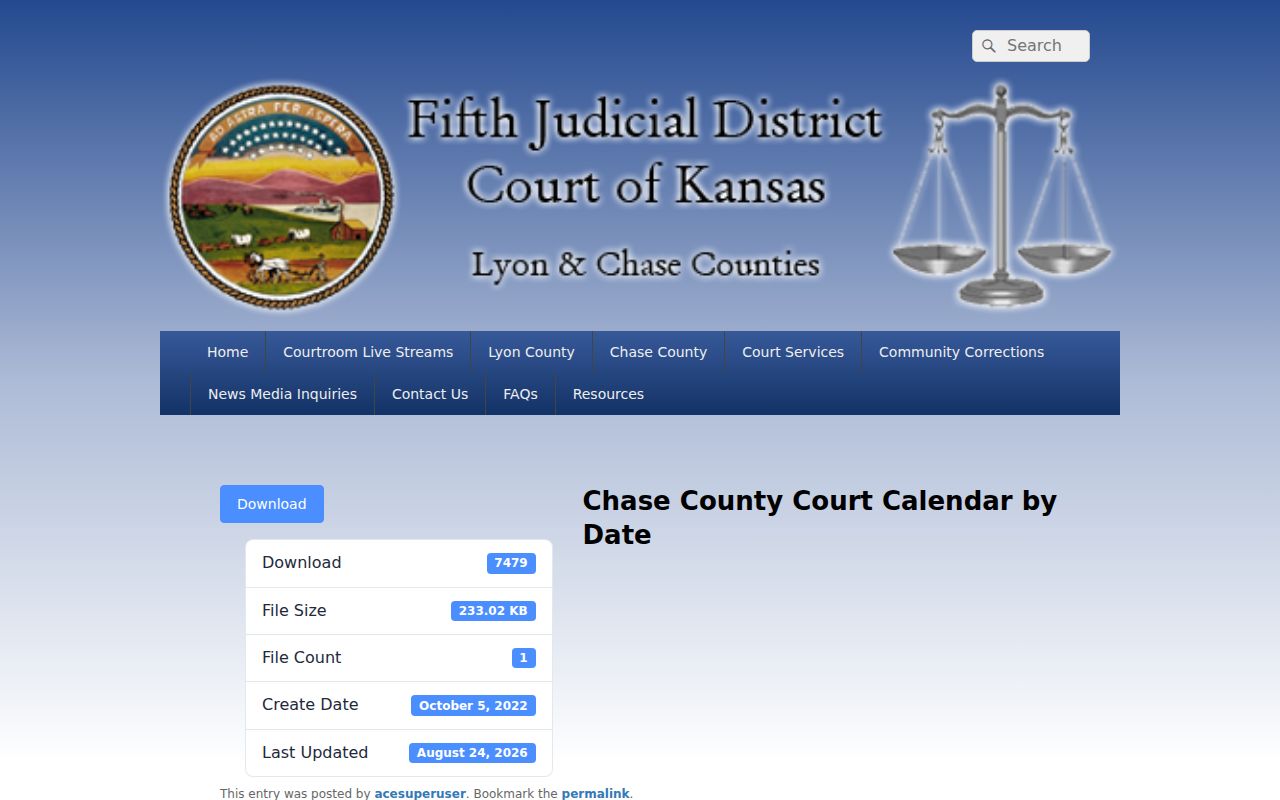
Go back to the official page each time. A fresh PDF beats any older saved copy sitting on your device.
The One-Month Chase Schedule
Think of the calendar as a settings list. It shows what was scheduled when the report ran, nothing more. A listed hearing does not prove it happened. It does not show that anyone appeared or that the judge ruled. Entries can be continued, vacated, reset, moved to Zoom, or otherwise changed. Any of that may come after the report timestamp.
That one-month window makes the PDF handy for near-term planning. It also makes the footer timestamp matter whenever two saved copies disagree.
Chase County Court Date Lookups
Search the newest PDF by full case number or a stable piece of it. The Fifth District suggests Adobe Reader's Ctrl+F or Shift+Ctrl+F tools. No case number yet? Kansas CaseSearch can pull up public case information first. Then you check the date against the calendar.
- Confirm that the matter belongs to Chase County District Court rather than a city or federal court.
- Open the newest calendar-by-date PDF and note its timestamp.
- Search the case number, then read the entire setting box.
- Record the date, time, judge, setting type, and any Zoom or connection text.
- Compare the entry with Kansas CaseSearch.
- Call the clerk at 620-273-6319 or visit 300 Pearl Street to confirm before appearing.
- Ask counsel to confirm if an attorney represents you; courthouse postings or the day's docket call can supply another same-day check.
A mailed notice or a filed scheduling order may carry the controlling details too. An old PDF never overrides a newer court notice.
Search Chase Schedules by Case Number
The current Chase calendar uses distinct formats. Criminal cases appear as CS-YYYY-CR-NNNNNN, district traffic as CS-YYYY-TR-NNNNNN, and civil as CS-YYYY-CV-NNNNNN. A juvenile example follows YYYY-JC-NNNNNN form. These are observed patterns, not a published legend.
Quick search answer. Search by case number before a private name. It is more precise and reduces unnecessary exposure of personal information on a shared screen.
The year usually marks the filing year, not the date of the alleged event or the current hearing. Ask the clerk when a number breaks the pattern.
Court Settings: What Each Field Means
Setting boxes carry different mixes of data. An empty field is not always an error. Role labels can even stay visible when a sealed entry hides participant names.
| Date | The scheduled hearing date as of the report timestamp. |
|---|---|
| Time | The listed start time for that setting, not a guarantee of when the matter will be called. |
| Case number | The best field for matching a setting to the correct court file. |
| Judge | The judge assigned to the setting; Fifth District assignments can cross county lines. |
| Setting type | Examples include Arraignment, Pretrial Conference, Plea Hearing, Sentencing, Bench Trial, and Motion for Default Judgment. |
| Connections | Roles such as Prosecutor, Defendant, Plaintiff, Petitioner, Other Party, or Guardian Ad Litem. |
| Extra text | Labels such as Zoom, to Suppress, on PV warrant, or another judge-related notation. |
Criminal and Civil Chase Settings
The calendar's page-one criminal sample and page-nine civil sample show how setting types differ. Criminal entries included First Appearance, Arraignment, Pretrial Conference, Plea Hearing, Probation Violation, Disposition, Sentencing, and Bench Trial. The civil sample held a Motion for Default Judgment with Plaintiff and Defendant roles.
| Calendar line | What it means | What it does not prove |
|---|---|---|
| Sentencing | A sentencing event is scheduled. | The sentence or even that sentencing occurred. |
| Motion for Default Judgment | A request is set for consideration. | That judgment was granted. |
| Disposition | A resolution-related setting appears. | The final outcome without the docket entry. |
| Zoom | A remote connection is indicated. | Permission to record or rebroadcast. |
Chase Zoom Labels and Recording Rules
A Zoom or connection label tells you how the court expects attendance. It is not permission to record. The Fifth Judicial District warns that remote and livestream access stays subject to court policy, and Kansas Rule 1001 governs electronic and photographic media coverage.
- Zoom
- A remote-hearing clue that must be confirmed through the official connection instructions.
- Connection
- A role or attendance field, not proof of participation.
- Livestream
- Official public viewing when authorized, not a license to capture or redistribute.
- Sealed
- A restricted display that can preserve the existence of a setting while withholding identity.
Call the clerk if the calendar says Zoom but gives no current link or instruction.
When a Court Date Moves
A continuance moves a matter to another date. A reset changes its setting type. A cancellation or vacated event wipes the appearance off the schedule. The PDF is a generated report. It can lag a signed order or a direct court notice even with daily updates. To request a hearing date, the Fifth District judicial contact protocol asks for the case number, hearing type, estimated length, and attorney information when applicable.
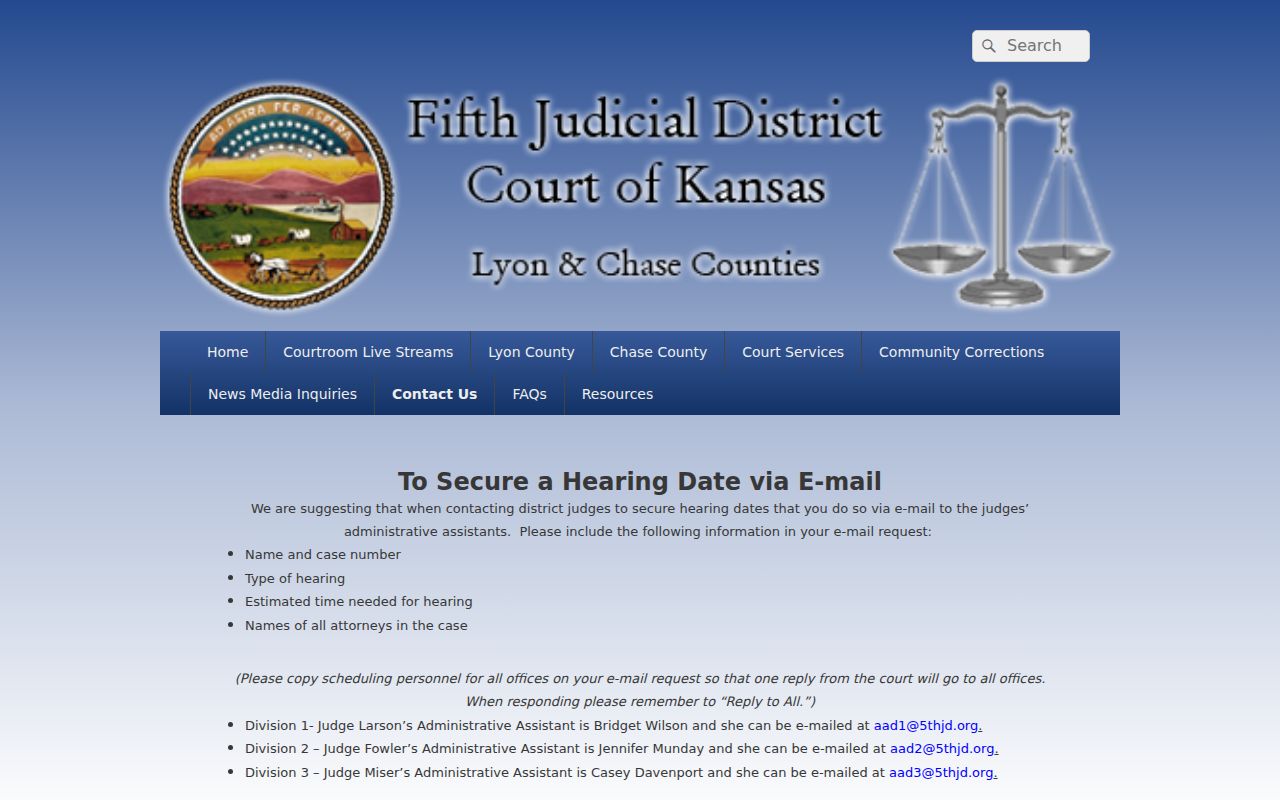
That protocol shows why a focused request beats a vague one. "Court sometime this month" reaches scheduling staff far less effectively than the specific fields they listed.
Confirming the Current Chase Schedule
Notice and PDF disagree? Compare their dates first. Open the live Chase page, download the newest calendar, and check the report timestamp. Then call Jenna Gibb's office at 620-273-6319. The clerk counter at 300 Pearl Street keeps listed weekday hours from 8:00 a.m. to 5:00 p.m., and the official dockets page serves as the local confirmation hub.
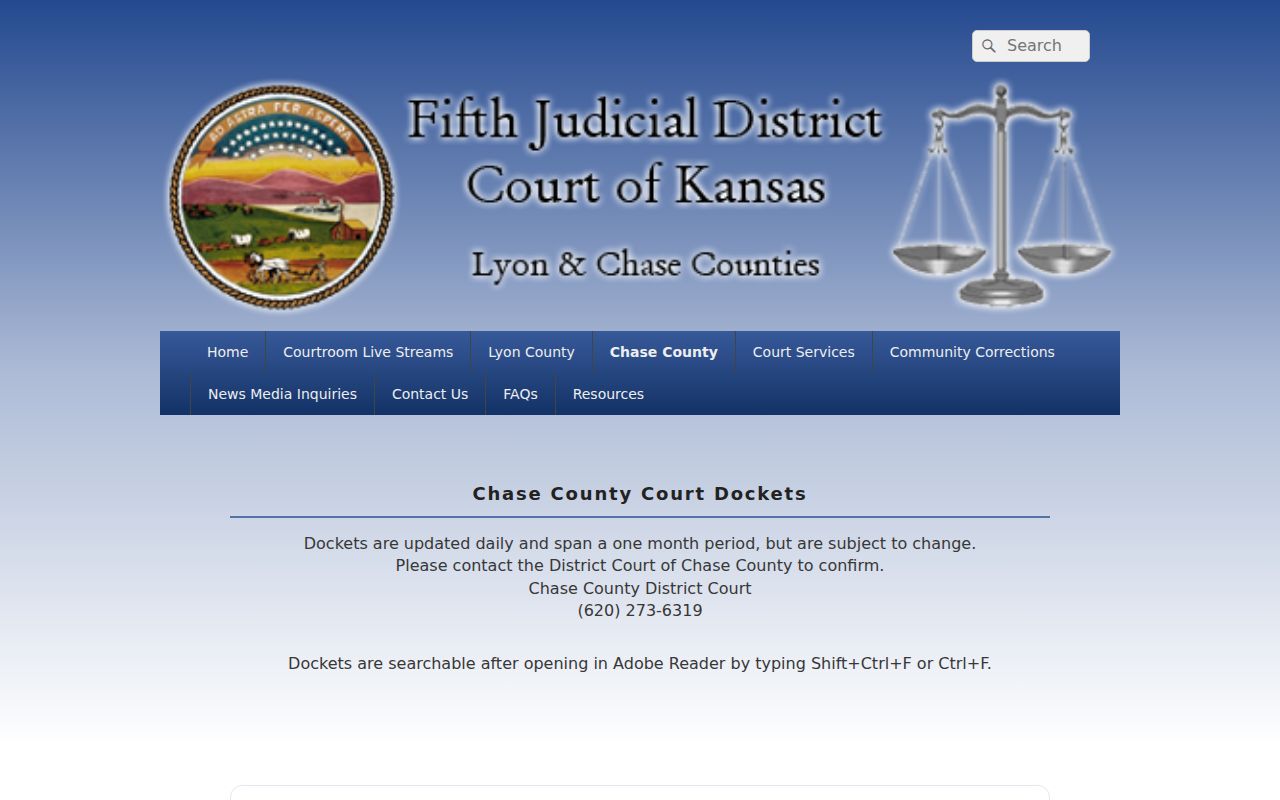
That official source ties together the daily publication warning, the calendar link, and the clerk fallback.
Missed Settings and What Comes Next
Missed a setting? Act promptly. Check the current PDF and the Chase County docket search, then contact the clerk and any attorney involved. Give the case number and missed setting accurately. Do not assume the clerk can cancel a warrant, excuse an absence, or give legal advice.
Missed a setting? Consequences depend on the case and court order and can include a warrant or other enforcement action.
Contact the clerk or counsel immediately to learn the official status and the correct next step.
Seek advice from a licensed Kansas attorney when legal rights or a warrant may be involved.
A city citation belongs with the issuing municipal court. A federal matter goes through the District of Kansas. Neither lands on the Chase District Court calendar just because of a Chase County connection.
Chase Schedule Access When Tools Fail
Online tools do fail now and then. When CaseSearch stalls at its human check or throws an error, first confirm the District and Chase County selections. Then fall back on the calendar by itself. A PDF that refuses to open is another common snag. Call the clerk or try the courthouse counter instead. A public terminal at the courthouse can still tie a date to public case information. The Fifth District calendar stays the source for local settings. These channels back each other up. None of them makes a shifting court date self-confirming. If more than one statewide service seems down, check the Kansas Courts status dashboard before troubleshooting anything else.
Read the connection table with care. Calendar entries can carry role labels such as Prosecutor, Defendant, Plaintiff, Other Party, Petitioner, or Guardian Ad Litem. An attorney column sometimes appears too. A sealed CINC entry may keep those labels while hiding the names behind them. Even so, the public schedule gives enough structure to route a hearing. It does so without ever opening the protected juvenile record.
Judge names on a Chase setting reflect Fifth Judicial District assignment. Local court pages identify Jeffry J. Larson and Douglas P. Jones. A civil sample listed Lee Fowler. Seeing a judge's name does not move the case out of the county. Identify the docket by its case number and the Chase County heading. Then follow the judicial contact protocol only for the scheduling request it actually documents.
A PDF timestamp clears up many apparent conflicts. A report saved before a continuance was accurate when it was generated. It may be stale today. Set the footer time beside the newest court notice and the current download. Where they disagree, hand the clerk the case number, the hearing type, and the date in question. Include any attorney information. That focused check is far safer than assuming a missing line means the hearing was cancelled.
Remote connection text may appear on the calendar, but the label grants no right to record. Remote access and media use stay governed by Fifth District instructions and Kansas Rule 1001.